
Description
CREATED BY
MUSTFA DEV
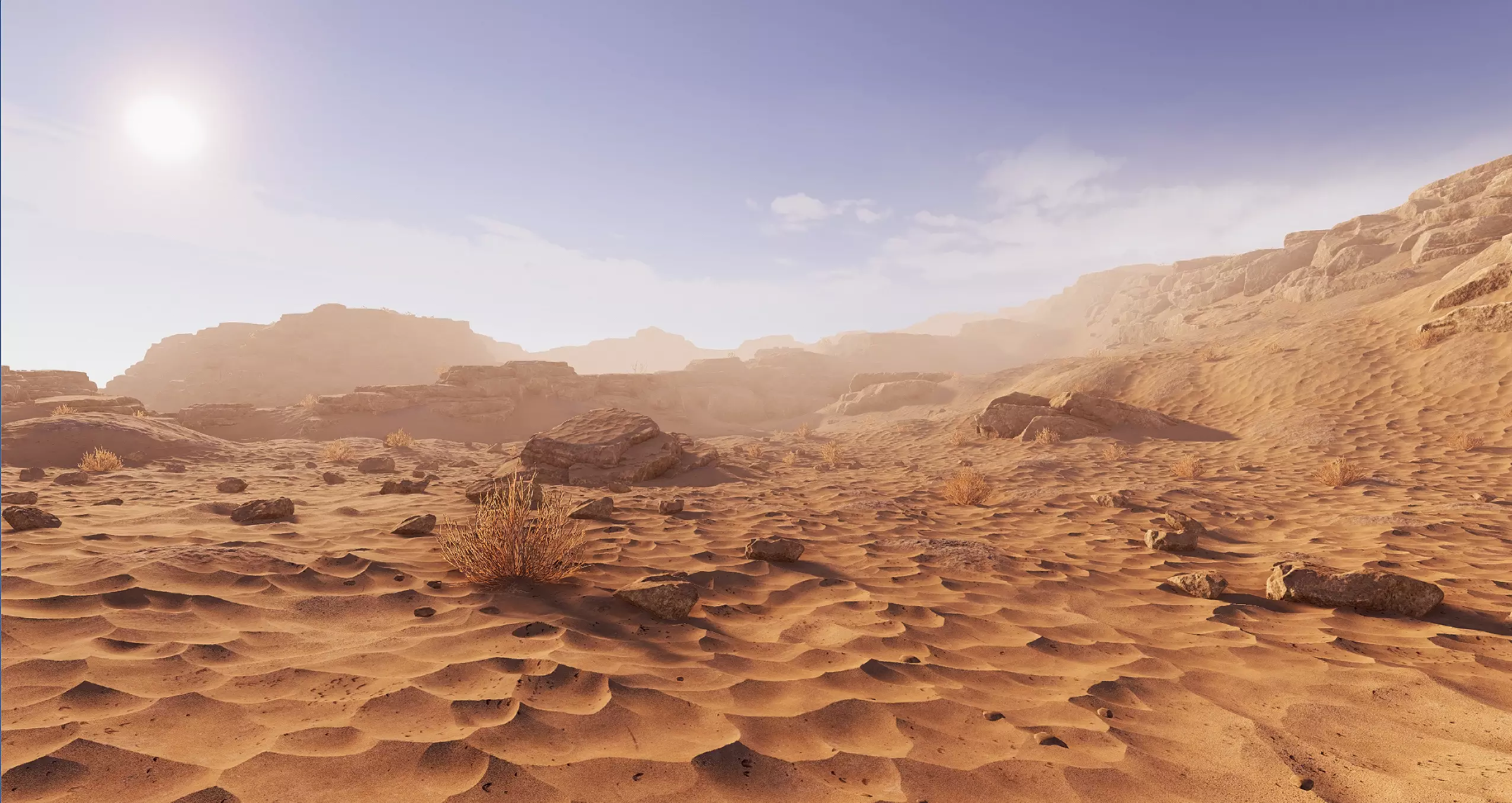
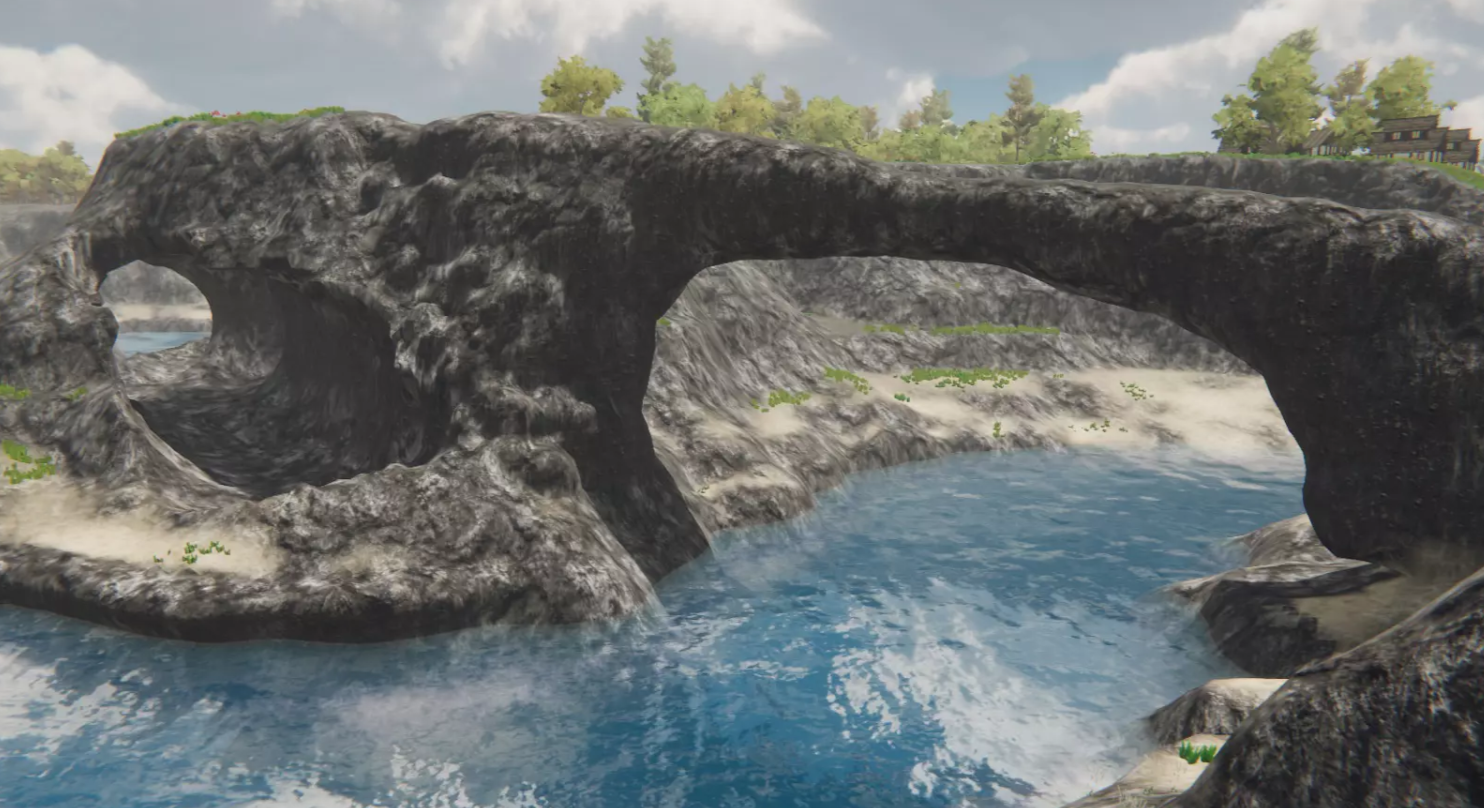
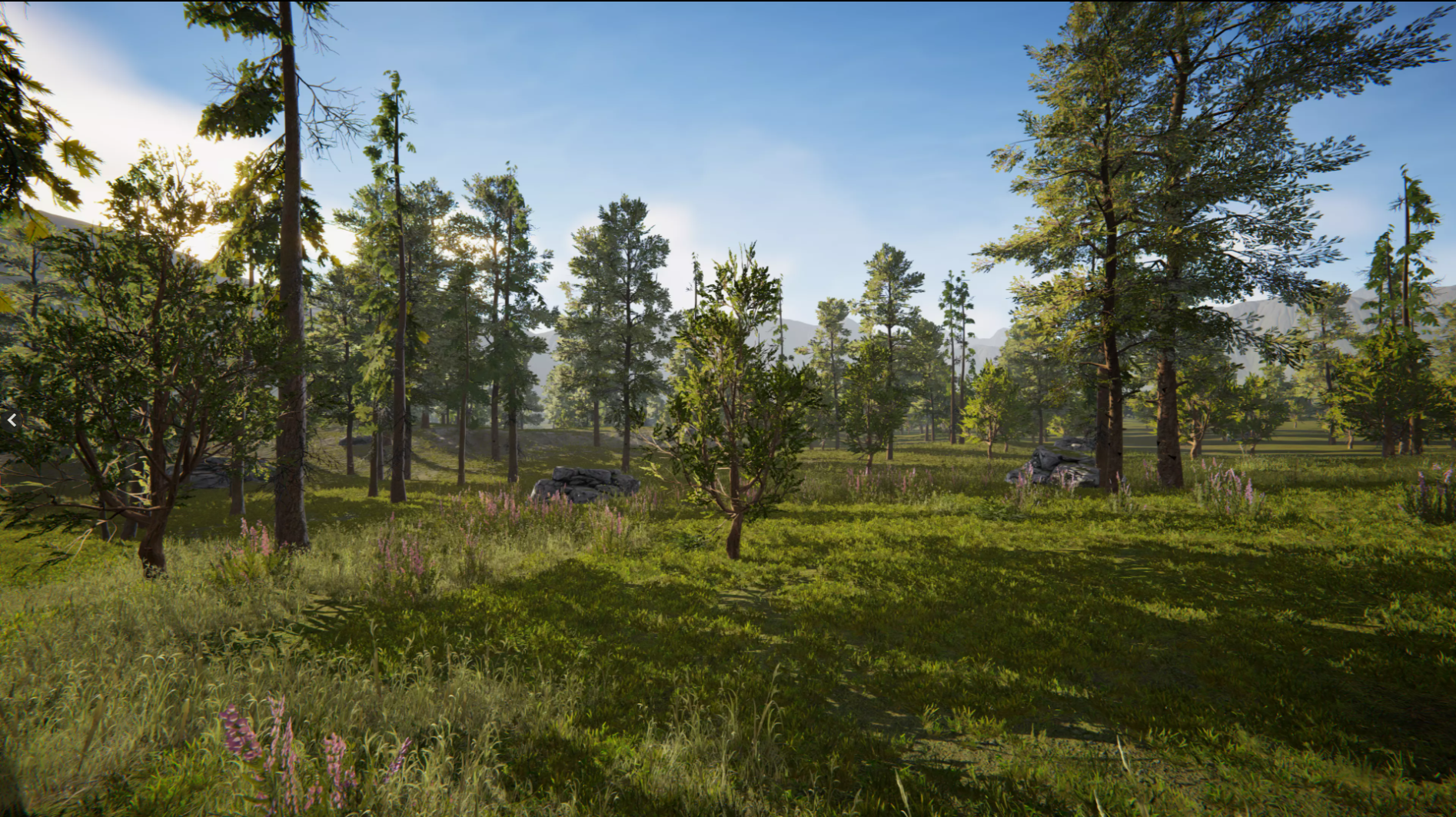
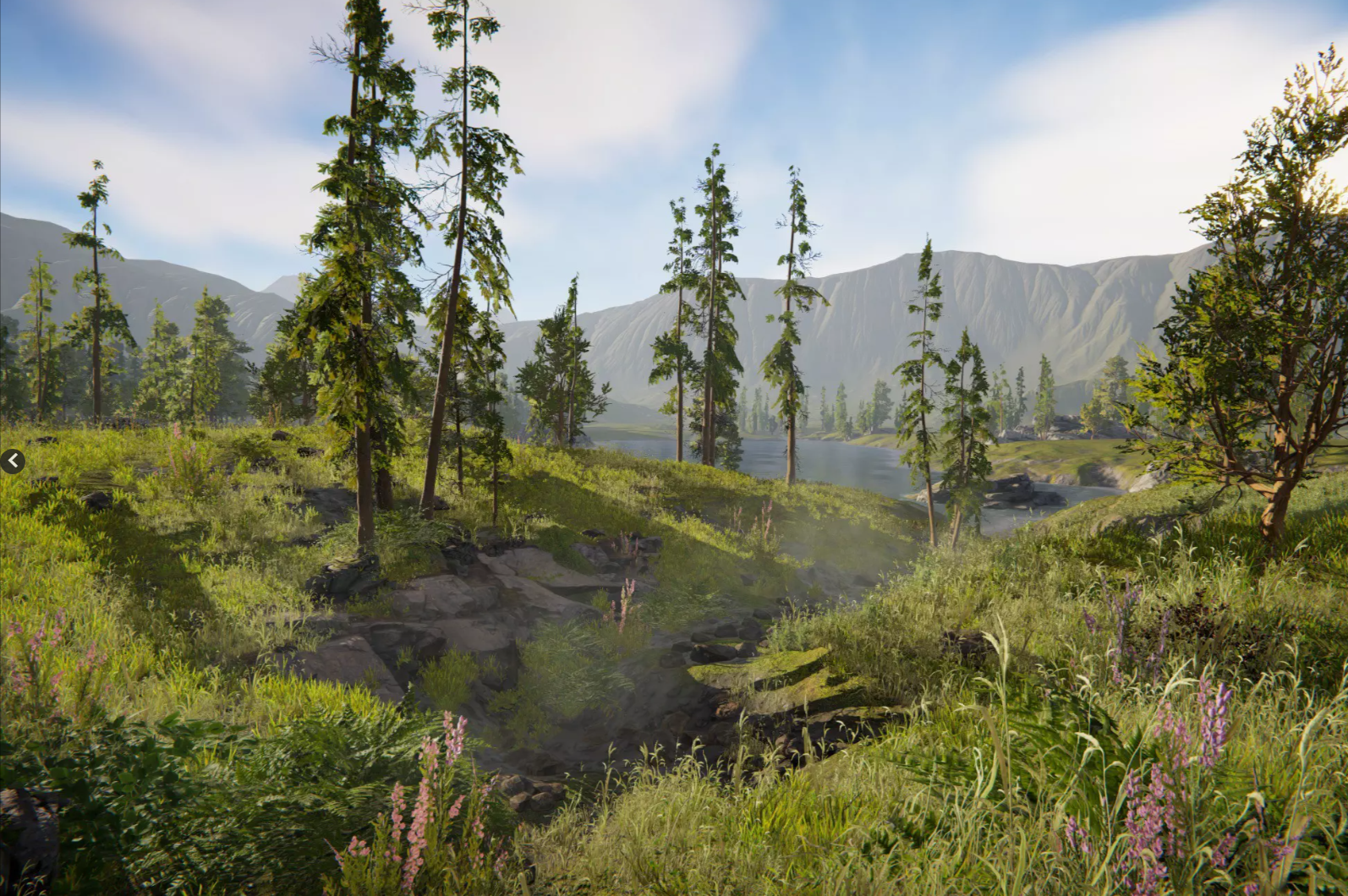
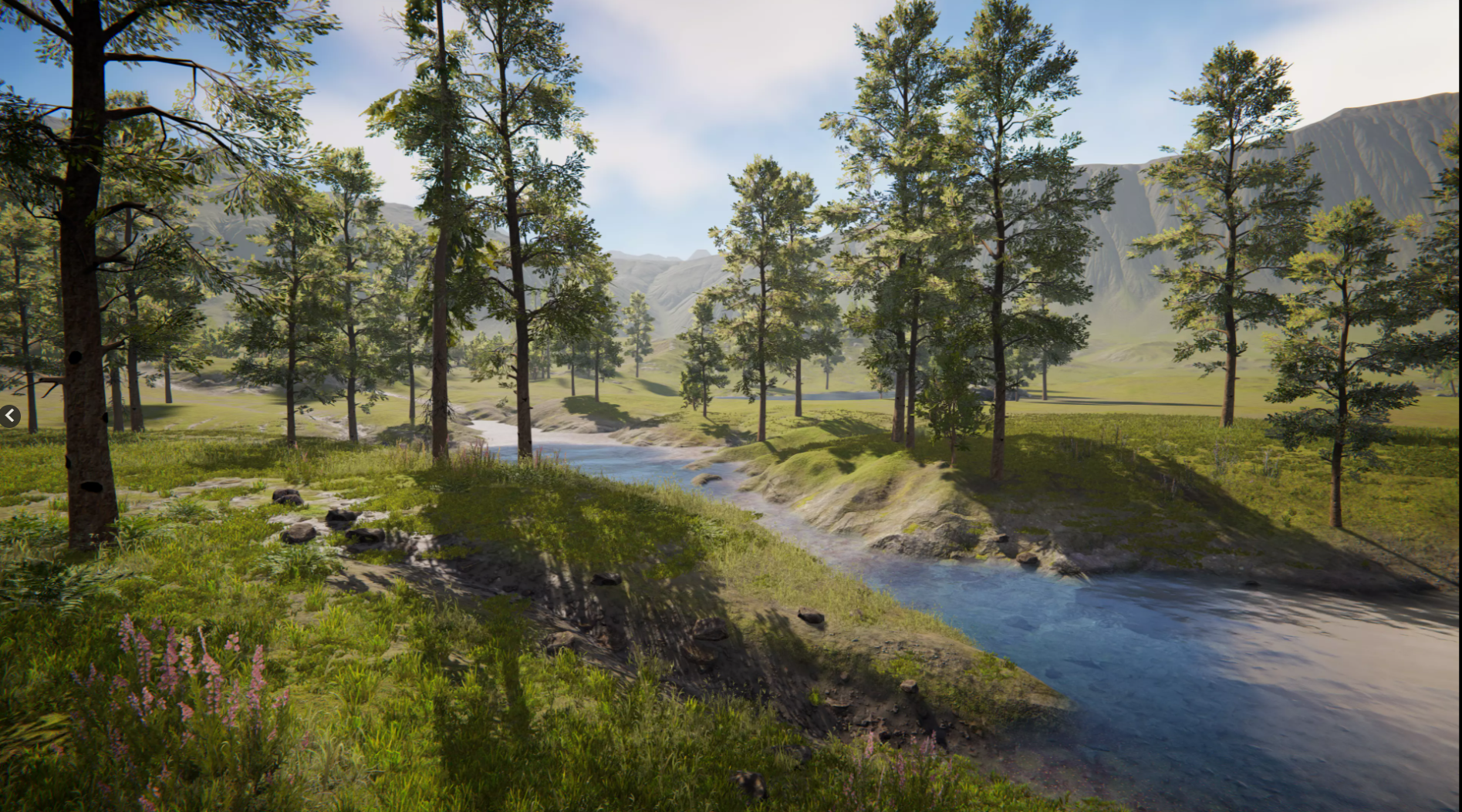
Experience Unity's Terrain authoring workflows, SpeedTree integration, and Universal Render Pipeline to help you form and populate real-time organic worlds.
The Unity Terrain - URP Demo Scene and included assets are fully customizable for re-use with your Unity projects. The Scene was crafted using the Terrain Tools package and assets have been optimized for use with low-end desktop platforms build targets.
Hear from the Unity Technical Artist team behind the creation of this demo scene in the Unity blog.
Getting Started
Download and import this package into a Unity project with the Universal Render Pipeline enabled.
Navigate to Project Settings > Graphics and point the Scriptable Render Pipeline Settings field to URP-HighQuality Pipeline Asset.
Navigate to Project Settings > Graphics > URP Global Settings, and pick the UniversalRenderPipelineGlobalSettings file located in Assets > TerrainDemoScene_URP > Settings > URP folder.
Look for the TerrainDemoScene.unity scene file located at Assets > TerrainDemoScene_URP > Scenes.
Open it to start exploring.
Scene includes a series of Bookmarks with notes and tutorials. Select any object under the "Bookmarks" to see details.
Entering Play mode will start a flythrough sequence which showcases the environment.
The Unity Terrain - URP Demo Scene and included assets are fully customizable for re-use with your Unity projects. The Scene was crafted using the Terrain Tools package and assets have been optimized for use with low-end desktop platforms build targets.
Hear from the Unity Technical Artist team behind the creation of this demo scene in the Unity blog.
Getting Started
Download and import this package into a Unity project with the Universal Render Pipeline enabled.
Navigate to Project Settings > Graphics and point the Scriptable Render Pipeline Settings field to URP-HighQuality Pipeline Asset.
Navigate to Project Settings > Graphics > URP Global Settings, and pick the UniversalRenderPipelineGlobalSettings file located in Assets > TerrainDemoScene_URP > Settings > URP folder.
Look for the TerrainDemoScene.unity scene file located at Assets > TerrainDemoScene_URP > Scenes.
Open it to start exploring.
Scene includes a series of Bookmarks with notes and tutorials. Select any object under the "Bookmarks" to see details.
Entering Play mode will start a flythrough sequence which showcases the environment.
File Name
unity-terrain-urp-demo-scene-213197
File Size
External Link
File Type
Category
Environment
License
Free License
Downloads
0
Uploaded
May 30, 2026
No FAQs available yet.
No comments yet. Be the first to share your thoughts!

Unity Terrain - URP Demo Scene
License
Free License
FREE
Prices shown don't include taxes
Included formats
Details